



 Download for iOS
  Download for Android
 In Ghana, betting is often mixed into everyday activities rather than treated as a separate hobby. Someone might check odds while waiting for food, during a slow moment at work, or while talking football with friends.
An app either fits into that kind of casual use, or it becomes a chore. The 22Bet app leans towards practicality. It opens quickly, works on most phones, and doesn’t send you on a scavenger hunt to find markets or account options.
The design isn’t stylish, but it is straightforward, which feels intentional rather than minimalistic. There isn’t much pressure to engage with every feature at once; you can just use what you need and ignore the rest.
The app doesn’t feel like it’s trying to impress you. It feels like someone tried to organise a busy website into a smaller frame and mostly succeeded.
Mobile App for Android
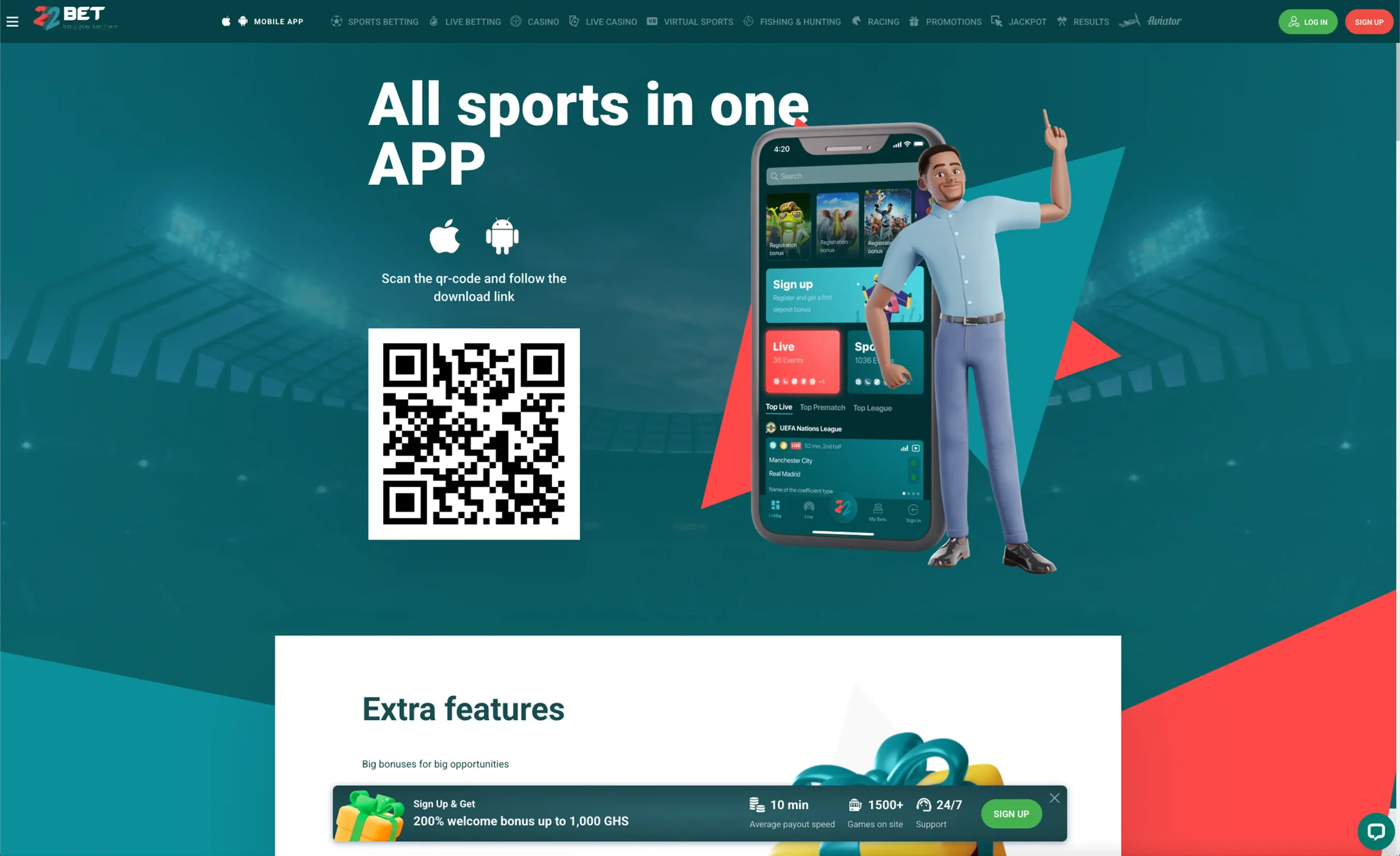
Because Android phones dominate the Ghanaian market, this version gets most of the attention. The app keeps things basic: a few tabs, a few shortcuts, and not a lot of decoration. The pages load quickly as long as the connection is stable, and live odds update without too much delay.
How to Download and Install
The 22Bet app download process happens through the official website. There isn’t a Play Store version, so you deal with the file directly. The steps are pretty ordinary:
- Open your browser.
- Go to the website.
- Find the ‘Mobile App’ section.
- Download the 22Bet apk.
- Approve installation when prompted.
- Open the app and set up your account.
There is also a QR option that lets you download 22Bet app without typing anything, which is handy if you’re doing this on a small screen.
Compatible Devices
The app runs on most Android phones sold in Ghana over the past several years—Samsung, Tecno, Infinix, Xiaomi, Itel, etc. It doesn’t need much to work:
- Android 6 or newer.
- Some free storage.
- A decent data connection.
Older devices might get sluggish when switching between pages, especially during in-play matches. Clearing background apps usually helps.
Mobile App for iOS
The iOS version exists, though not many people use it compared to Android. It is slightly cleaner visually and doesn’t use much battery or data. The layout is similar overall, so switching between platforms isn’t confusing.
How to Download and Install
You don’t deal with files on iOS. Instead, you install it directly through the browser. Typically, the process flows like this:
- Open Safari or another browser.
- Go to the website.
- Look for the ‘Mobile App’ section.
- Choose the iOS option.
- Approve the installation.
- Log in and start using it.
There’s no need to adjust system settings or deal with warnings, which makes it simpler than the Android route.
Compatible Devices
Any fairly recent iPhone should run it without problems. Devices from around 2018 onwards tend to handle it well. The app benefits from:
- Up-to-date iOS.
- Free space.
- A reliable connection.
Older devices might stutter during live betting or streaming, but not to the point of being unusable.
Features of the App
What stands out first is that the app takes the full website and squeezes it into a phone-sized layout, without redesigning much. That means most of the features are present, but not optimised for touchscreens.
Some people won’t mind because the structure is familiar. Others may feel it’s crowded, especially during busy match hours. Navigation is predictable, though not particularly elegant. Sports markets are easy to reach, while casino content sits in a separate area that loads more slowly and feels less direct.
Live betting works reasonably well; odds update automatically, although the refresh speed depends heavily on network stability. There isn’t any onboarding or hints explaining where things are, which might be fine for experienced bettors, but confusing for first-timers. The overall impression is that the app was built to be used quickly.
Registration Process via the App
Creating an account inside the app is short and mostly uneventful. The form is basic: name, contact, password, and confirmation. After that, you land directly on the betting interface, which can feel abrupt because nothing tells you what to do next.
Deposits are available immediately, and withdrawals later trigger verification steps, often when larger amounts are involved. This isn’t unusual—most platforms handle verification after sign-up to avoid losing users early—but it can still catch people off guard if they didn’t read the terms.
Bonus selection is there, but it doesn’t demand attention. Some users will probably skip it without noticing. The whole process feels slightly utilitarian: fast, minimal, and not particularly informative.
Mobile Website Version
Some players prefer betting in a browser rather than installing one more app, especially if storage is tight or if betting is occasional. The browser version works, though it loads more slowly and requires more scrolling because the layout isn’t tailored to mobile gestures.
Live betting is noticeably slower in the browser, sometimes to the point where odds feel outdated. Casual users may not care, but anyone following games closely will notice the lag. Deposits, withdrawals, and browsing fixture lists remain functional, just less responsive.
For people who bet frequently, installing the 22Bet casino app is more convenient than opening the browser each time. Occasional bettors might stay with the 22Bet mobile site and avoid saving space. Heavy users will likely benefit from the 22Bet application, simply because it cuts down the time it takes to get from the homepage to a placed bet.
Mobile Games
The app offers a wide range of casino games, which makes it easy to stick with familiar options or try something new without switching platforms. Slots constitute the biggest share of the library, covering everything from simple classics to Megaways, Hold and Win titles, jackpots and Bonus Buy games. Popular slots like Sweet Bonanza, Gates of Olympus, Dragon Queen Megaways, and Power of Gods: Valhalla are available, and most of them load quickly on modern phones with smooth gameplay.
Table games are also well represented and give a break from spinning reels. You’ll find software-based versions of blackjack, roulette, baccarat and poker, including titles such as Blackjack Multipliers, Roulette Royal, and Oasis Poker. These games run reliably even on smaller screens.
Live dealer games add another layer of variety to the app. Options like Lightning Blackjack, PowerUP Roulette, Peek Baccarat and Extreme Texas Hold’em are streamed in real time, along with game shows such as Dream Catcher.
Live casino streams naturally need more bandwidth, so performance depends on your network. When the connection is stable, video quality is clear and consistent. On weaker networks or older devices, visuals may dip briefly before catching up, which is typical for live games.
Fast games are also part of the mobile experience and tend to appeal to players looking for quick rounds. Titles like Aviator, Plinko+, and Penalty Shoot-Out Street are straightforward and don’t require much setup, making them easy to jump into between other sessions.
A small layout detail is that some games switch screen orientation automatically, depending on how they were designed. It can feel abrupt at first, but it usually helps the game make better use of the available screen space once play begins.
Mobile Betting
The betting section feels organised and easy to navigate. Sports are sorted clearly, and football, the main interest for most users, is immediately visible. It takes only a few taps to move between leagues, matches, and live events, which is helpful when you’re checking multiple fixtures at once.
Live betting updates automatically, and although speed depends on network strength, the system is stable. Rather than crashing or freezing, the app keeps running and adjusts odds as soon as it reconnects. This approach reduces disruption during busy match periods.
The bet slip is simple but effective: odds, stake, potential return. It doesn’t push extra information, which keeps the screen uncluttered. People who follow matches closely will likely appreciate the directness.
If you want deeper match stats or predictions, you’ll need a separate app or website. Cash out is available on many events and works reliably when the connection is stable.
The app doesn’t send alerts when cash out becomes available, but it’s easy enough to check manually, especially if you follow your matches anyway. Overall, the betting experience feels designed for people who know what they want to bet on and want a fast way to do it, without distractions.
Common Questions
-
The app mainly focuses on showing odds and available markets. You’ll see basic info, but not detailed match stats or expert tips. Many users who download 22Bet APK keep a sports stats website open separately to track form, injuries or predictions while betting.
-
Yes. Your account works across all versions, so you can switch between devices without creating a new profile. After you download 22Bet on your phone or use the website on a laptop, your bets, balance, and history stay synced.
-
It still works, though odds may update with a slight delay. The app stays stable, which is important during busy match periods.